

Idea 3 - GIF(s)
For one of my final pieces, I decided to make a GIF. Since the theme of my portfolio is "Light and Movement" a GIF would be a great way to exhibit this. To make this, I will just take screenshots from my video, and put it together in "GIFmaker.me". I have experimented with the use of GIFs in my Francesca Woodman and Bill Wadman pages.
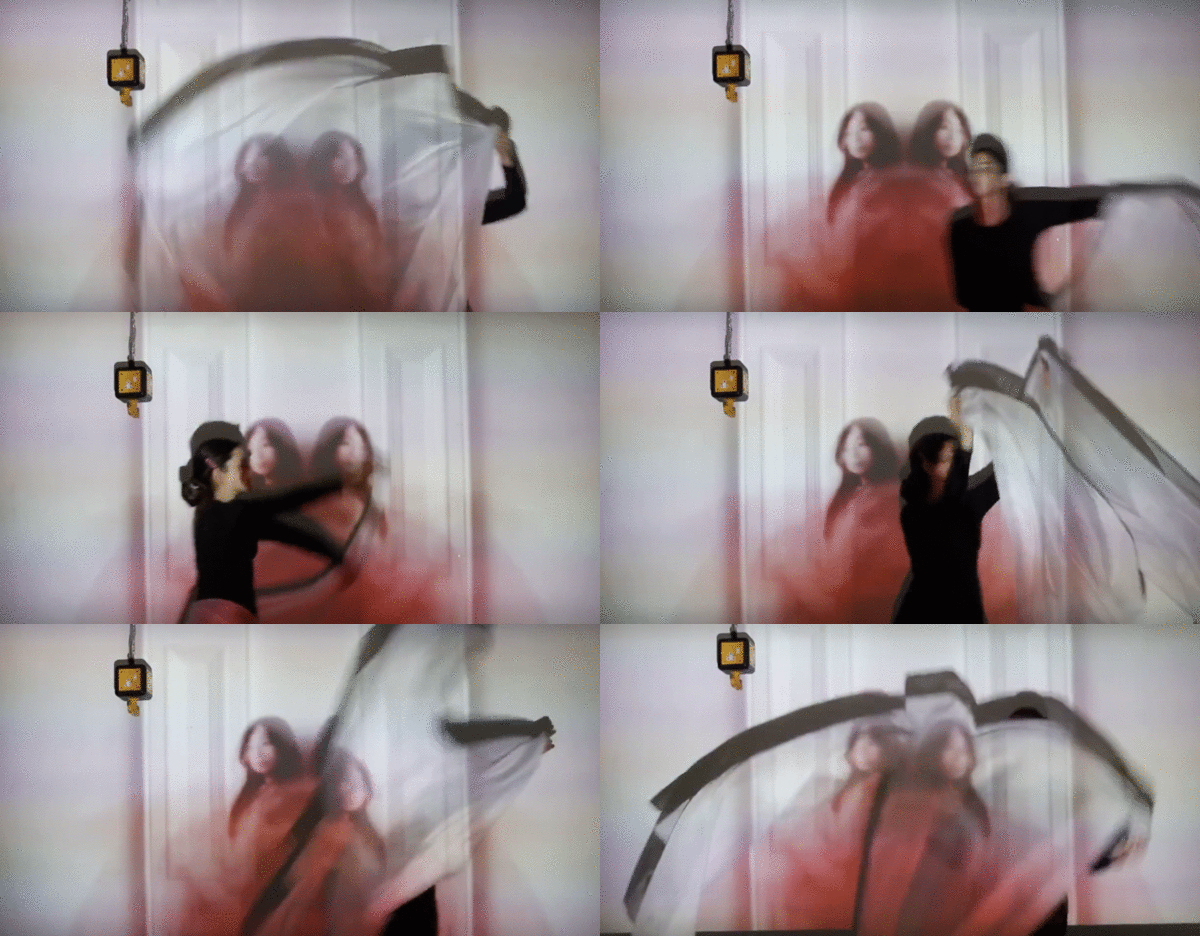
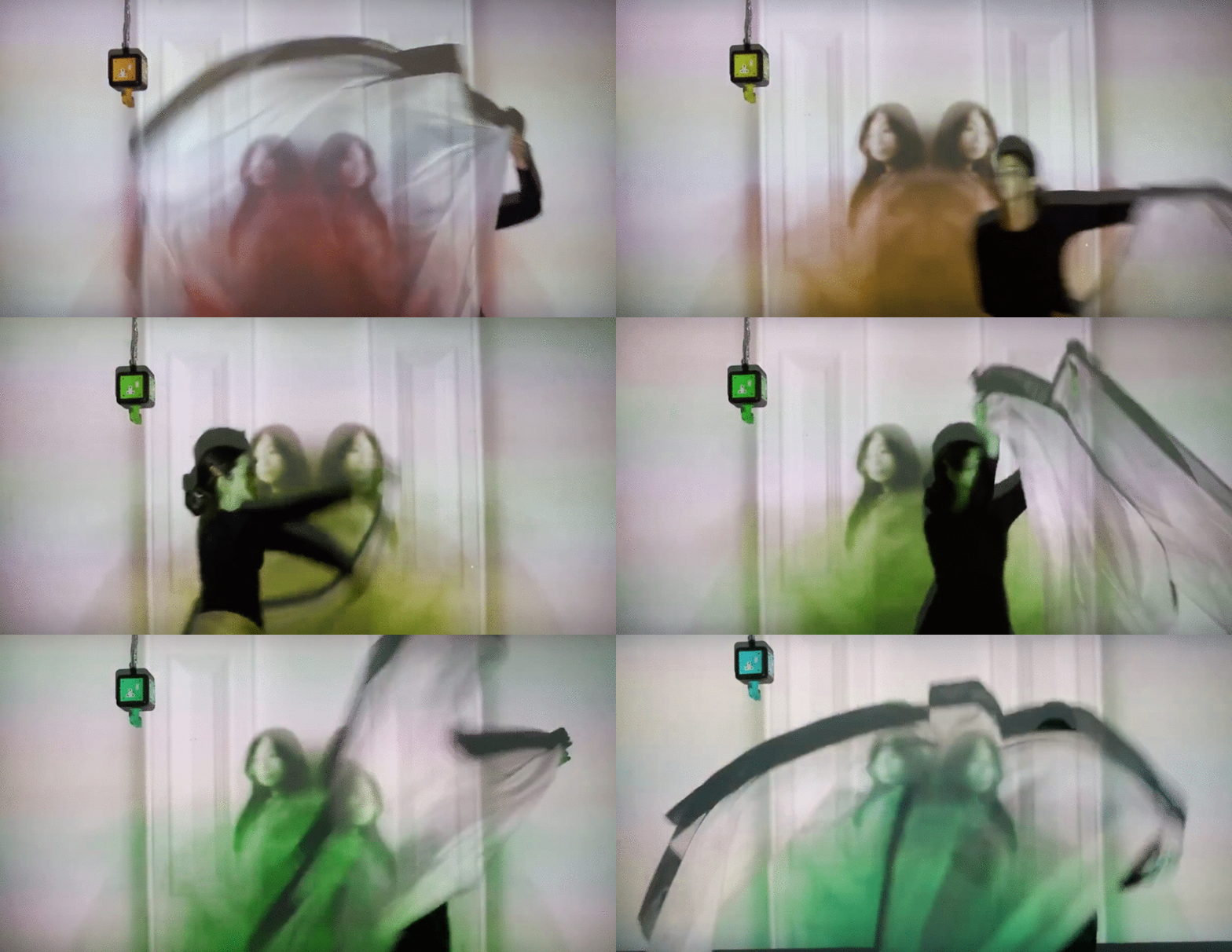
Above here are two GIFs. You can see that they are the exactly the same except the second GIF changes colour. To do this I opened the fifteen photographs in Photoshop, and I went to the second image to select 'Hue/Saturation'. Then, I added +10 in Hue. I repeated this process fifteen times, increasing the hue each time, to create this rainbow effect. Afterwards, I went to "GIFmaker.me", added the fifteen images, and I decided to set the speed to 250 milliseconds, because this pace demonstrated movement at a fast pace, but not too fast so that it is overwhelming. One aspect that I like about these GIFs are the speed as they perfectly exhibit time, and movement. Something to improve on could be the quality of these GIFs. I feel like the resolution is low, and the GIFs are plain so next time I could find a way to increase the resolution, and add excitement to these GIFs.

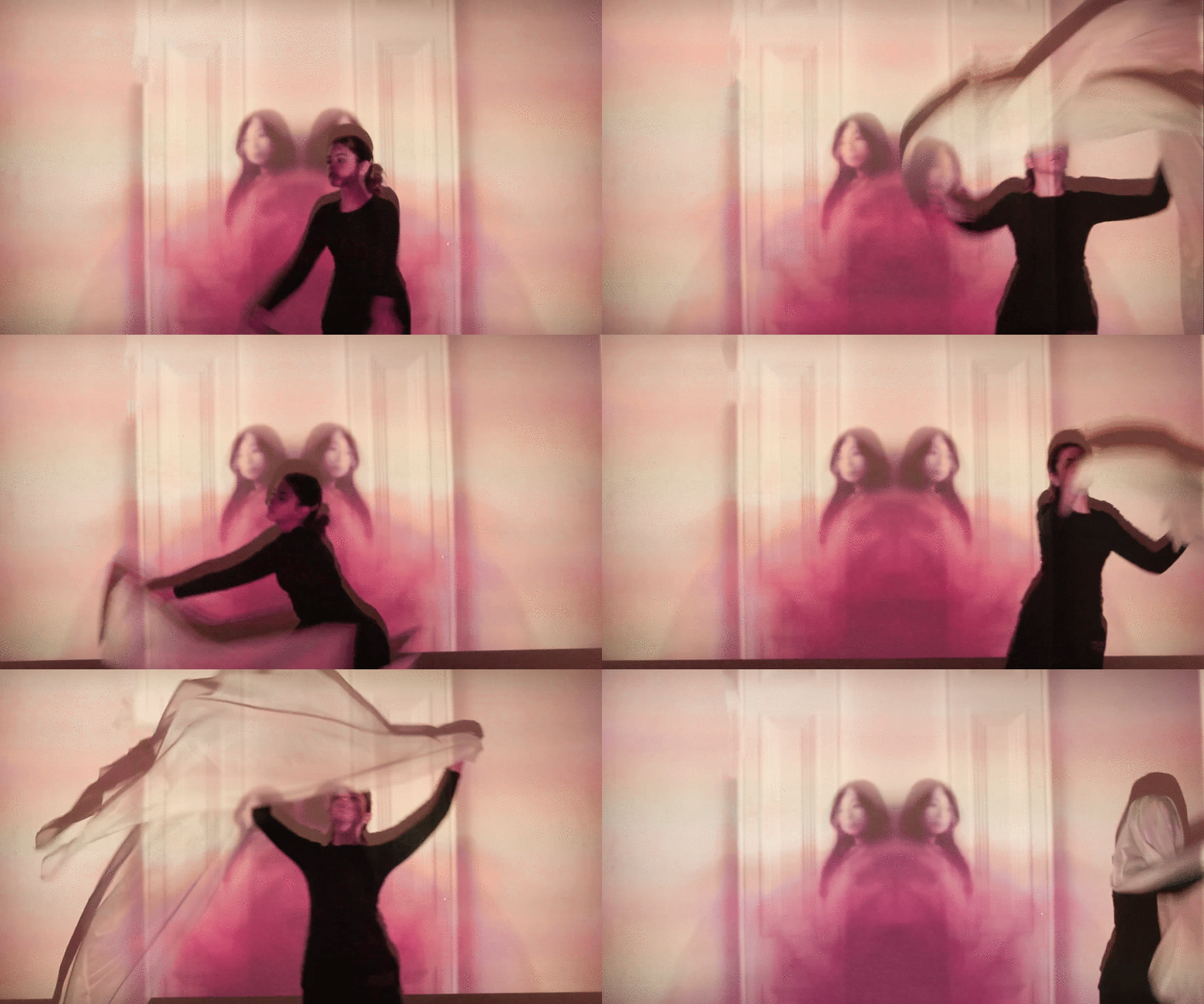
For this GIF, I decided to take new screenshots, and for each screenshot I would edit it in the same way I did for the original shots. To edit this GIF I simply went to 'Hue/Saturation', and since I want a consistent colour, for every image I put '-62'. Next, I got the colour 'millennial pink' ,from the internet, to match the pink hue I had put. Afterwards, I decreased a curve a little so that the details of the photographs were more clear. Thereafter, went to 'Colour Lookup', and select the option 'FallColours.look' so made the image more soft. For every image I had copied and pasted the curve layer so that each image was consistent. One aspect I like is the consistency. Each image has the same saturation and hue ,which is one important aspect when making a GIF. To improve upon the work I could have made the rate of speed faster to give it a 'smoother' look as it looks choppy. I could possibly increase the speed to '200' milliseconds instead of '250' milliseconds.